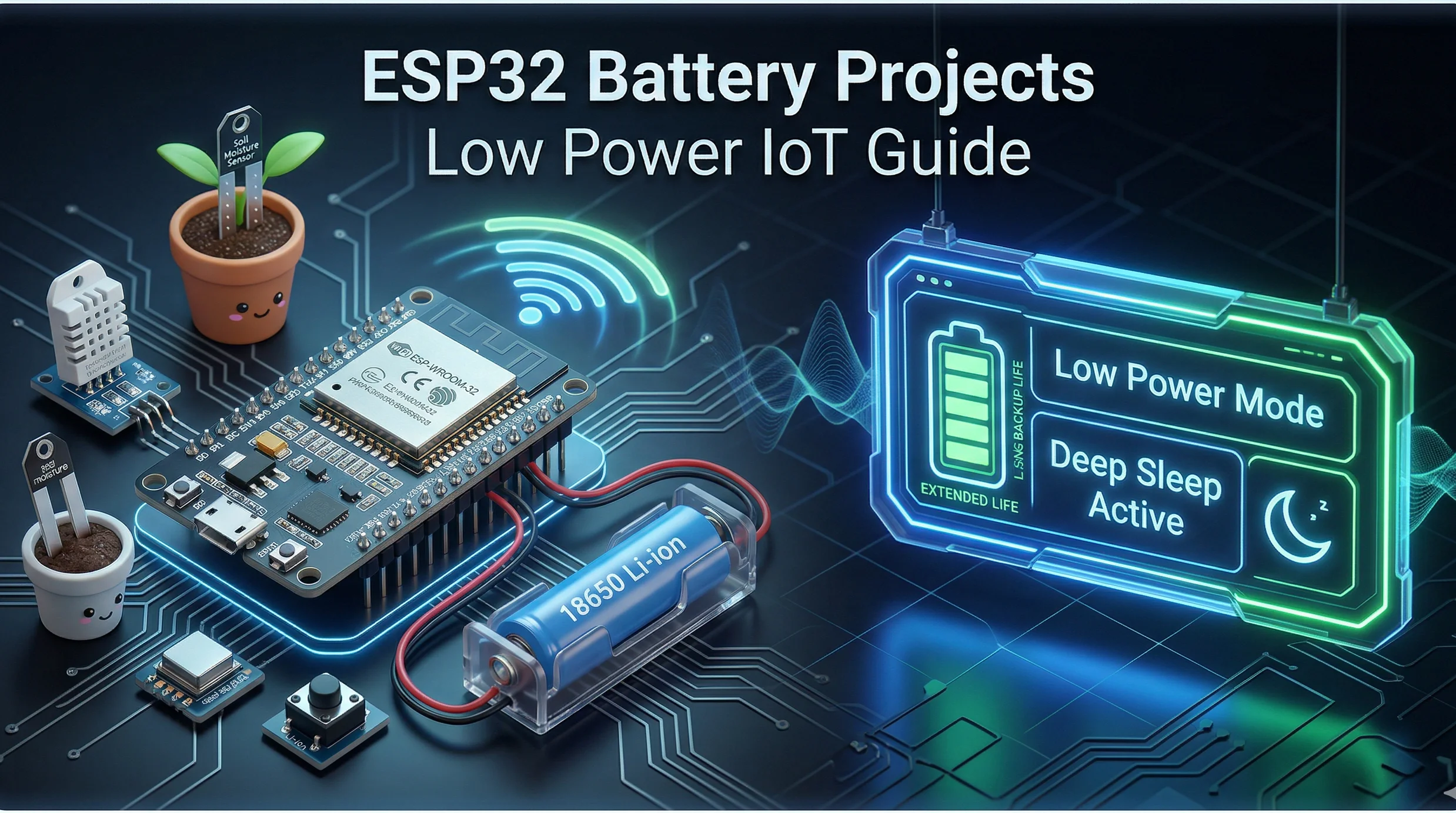
If you're starting out with the ESP32 and want to build something that runs on batteries, you're in the right place. The ESP32 is a powerful chip, but it can also be a bit of a power hog if you're not careful. The trick is to make it sleep most of the time and only wake up when it has a job to do. Let's look at some straightforward project ideas and how to make them last on a single charge.
How to Make Your ESP32 Sip Power, Not Guzzle It
Think of your ESP32 like a person. If it's running around all the time (active mode), it gets tired and hungry (drains the battery) fast. But if it takes long naps (deep sleep), it uses almost no energy. Your goal is to keep it napping as much as possible.
Handy Tools For You
Key Things to Remember
- Put it to deep sleep: This is your number one tool. The chip shuts down almost everything and uses just a tiny bit of power to keep time or wait for a wake-up signal.
- Be smart with sensors: Don't check a temperature sensor every second if you only need a reading every hour. Turn the sensor on, take a reading, then turn it off.
- Write efficient code: Avoid using `delay()` in your main loop. It keeps the processor busy doing nothing. Use timers or non-blocking code instead.
- Choose the right way to talk: When sending data, protocols like MQTT are great because they are lightweight and your ESP32 can send a message and go back to sleep quickly.
Project Ideas You Can Try
Here are a few practical projects that are perfect for battery power:
- Wireless Temperature/Humidity Logger: Place a sensor in a room, greenhouse, or even a fridge. It wakes up every 30 minutes, reads the data, sends it to a server (like Home Assistant or ThingSpeak), and goes back to sleep. A small battery can power this for months.
- Smart Plant Watering Monitor: Use a soil moisture sensor. The ESP32 checks the soil once a day. If it's too dry, it can send you a notification or even trigger a water pump (though the pump itself would need a separate power source).
- DIY Smart Button: A simple button that, when pressed, wakes the ESP32 from deep sleep. It then sends a command over Wi-Fi to turn on a light, play music, or order pizza, before going back to sleep instantly.
A Basic Code Structure to Get You Started
Almost all battery-powered projects follow this same pattern. Here’s a skeleton code to show you how it works:
#include
#include  // For MQTT

// Your Wi-Fi and MQTT details
const char* ssid = "your_SSID";
const char* password = "your_PASSWORD";

void setup() {
  Serial.begin(115200);

  // 1. Connect to Wi-Fi (this uses a lot of power, so be quick!)
  connectToWiFi();

  // 2. Do your main task (read sensor, send data)
  readSensorAndPublish();

  // 3. Prepare for deep sleep
  Serial.println("Going to deep sleep for 60 seconds");
  // Use the ESP32's internal timer to wake up after 60 seconds
  esp_sleep_enable_timer_wakeup(60 * 1000000); // microseconds

  // 4. Enter deep sleep
  esp_deep_sleep_start();
}

void loop() {
  // This will never run! The chip resets after deep sleep.
}

void connectToWiFi() {
  // Your Wi-Fi connection code here
}

void readSensorAndPublish() {
  // Your sensor reading and MQTT code here
}
Notice that the `loop()` function is empty? That's because after `esp_deep_sleep_start()`, the ESP32 completely shuts down. When the timer wakes it up, it restarts from the beginning of the `setup()` function. This restart is normal and key to saving power.
For more tools that can help you format code, manage data, or create related projects, check out our collection of free online tools. You might find the JSON Formatter helpful for working with MQTT messages or the Text Editor for writing your code.
Frequently Asked Questions
📚 Read Next




How long can an ESP32 run on a battery?
It depends completely on how you use it. If it's in active mode with Wi-Fi on, maybe a few hours on a 18650 battery. If it's in deep sleep and only waking up once an hour, the same battery could last for over a year. The difference is that dramatic.
What's the best battery to use?
For most small projects, a 3.7V Lithium Polymer (LiPo) or 18650 Lithium-Ion cell is perfect. You can connect it directly to the ESP32's `VIN` pin. Just make sure you have a good charging circuit if you plan to recharge it.
Can I still use Wi-Fi with deep sleep?
Yes, absolutely! The pattern is: Wake up > Connect to Wi-Fi > Send/Receive data > Disconnect > Go back to sleep. The connection process uses a burst of power, but it's over quickly, so overall consumption stays low.
Why does my ESP32 get hot?
If it's getting noticeably warm, it's probably not entering deep sleep correctly. Double-check your code to make sure it's actually calling `esp_deep_sleep_start()`. Also, some power-hungry components you've connected (like certain sensors or LEDs) might be staying on.




