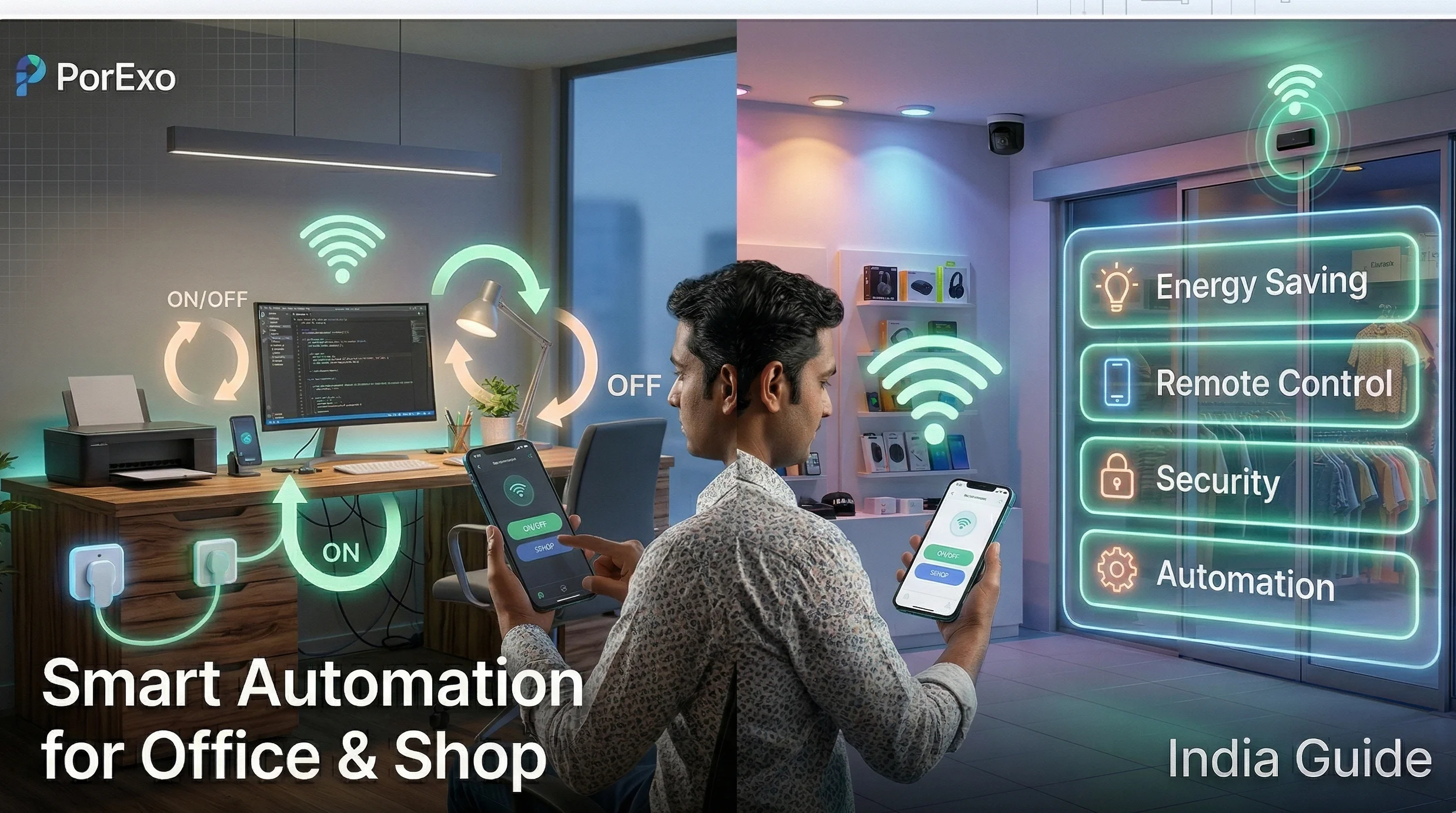
Thinking about adding some smart tech to your office or shop? It's not as complicated as it sounds. Let's break it down into simple steps you can actually use.
How to Get Started
The idea is to use connected devices that you can control from your phone or set to work automatically. This can save you time, cut down on electricity bills, and even make your space safer.
Handy Tools For You
1. Picking the Right Gadgets
Don't just buy the first smart bulb you see. Think about what you really need. For a shop, automatic doors or smart displays might be useful. For an office, smart plugs to turn off computers at night could be a good start.
2. Smart Lighting is a Game-Saver
This is often the easiest place to begin. You can install lights that turn on only when someone is in the room or dim automatically based on the sunlight. This isn't just cool; it directly saves money on your power bill. Tools like our EMI Calculator can help you figure out if the investment is worth it.
3. Don't Forget Security
For any business, security is a top concern. You can get smart cameras that send alerts to your phone, smart locks that don't need a physical key, and sensors for doors and windows. It gives you peace of mind, even when you're not there.
4. Control the Temperature Smartly
ACs and fans are big power consumers. A smart thermostat or AC controller can learn your schedule and adjust the temperature automatically. No more coming back to a freezing cold office because someone forgot to turn the AC off.
5. Look at Business-Specific Tools
This is where it gets interesting for shops. You can connect your inventory system to smart shelves that alert you when stock is low. Or use a digital signage system you can update from anywhere. For managing customer data or invoices, converting files might be needed. Our CSV to PDF converter can be handy for creating neat reports to share.
// A simple rule for a shop
IF shop_front_door opens AFTER 10:00 PM
THEN
    send_alert_to_owner("Door opened after hours")
    turn_on_security_camera(shop_front)
    turn_on_all_lights(shop_floor)
END IF
Things to Keep in Mind for India
- Internet Reliability: Most smart devices need a good Wi-Fi connection. Consider getting a backup broadband connection or devices that can work offline for a while.
- Power Backups: With power cuts, your smart system should have a UPS (Uninterruptible Power Supply) so it doesn't shut down completely.
- Cost vs. Benefit: Start small. Maybe begin with lighting and security for one room. Use our Compound Interest Calculator to see how much the energy savings could add up over time.
Remember, the goal isn't to have the flashiest tech, but to make your daily work easier and more efficient. Start with one problem you want to solve, like high electricity bills or security worries, and find a smart solution for just that.
Frequently Asked Questions
📚 Read Next




Is smart home automation very expensive for a small shop?
Not necessarily. You can start with just one or two devices, like a smart plug for your signboard or a smart bulb for the back room. The cost has come down a lot in recent years. Focus on items that will save you money or time first.
Do I need to be a tech expert to set this up?
Most modern devices are designed for easy setup. You usually just download an app, connect the device to your Wi-Fi, and follow the instructions. If you can use a smartphone, you can likely set up basic automation.
What if the internet goes down? Will everything stop working?
It depends on the device. Some, like smart lights with physical switches, will still work manually. Others might lose their "smart" features until the connection is back. It's a good question to ask when buying a device.
Can I control everything from one app?
This is the ideal scenario, but it can be tricky. It's best to try and stick to devices from the same ecosystem (like Google Home or Amazon Alexa) or use a central hub that supports different brands. This avoids having ten different apps on your phone.




