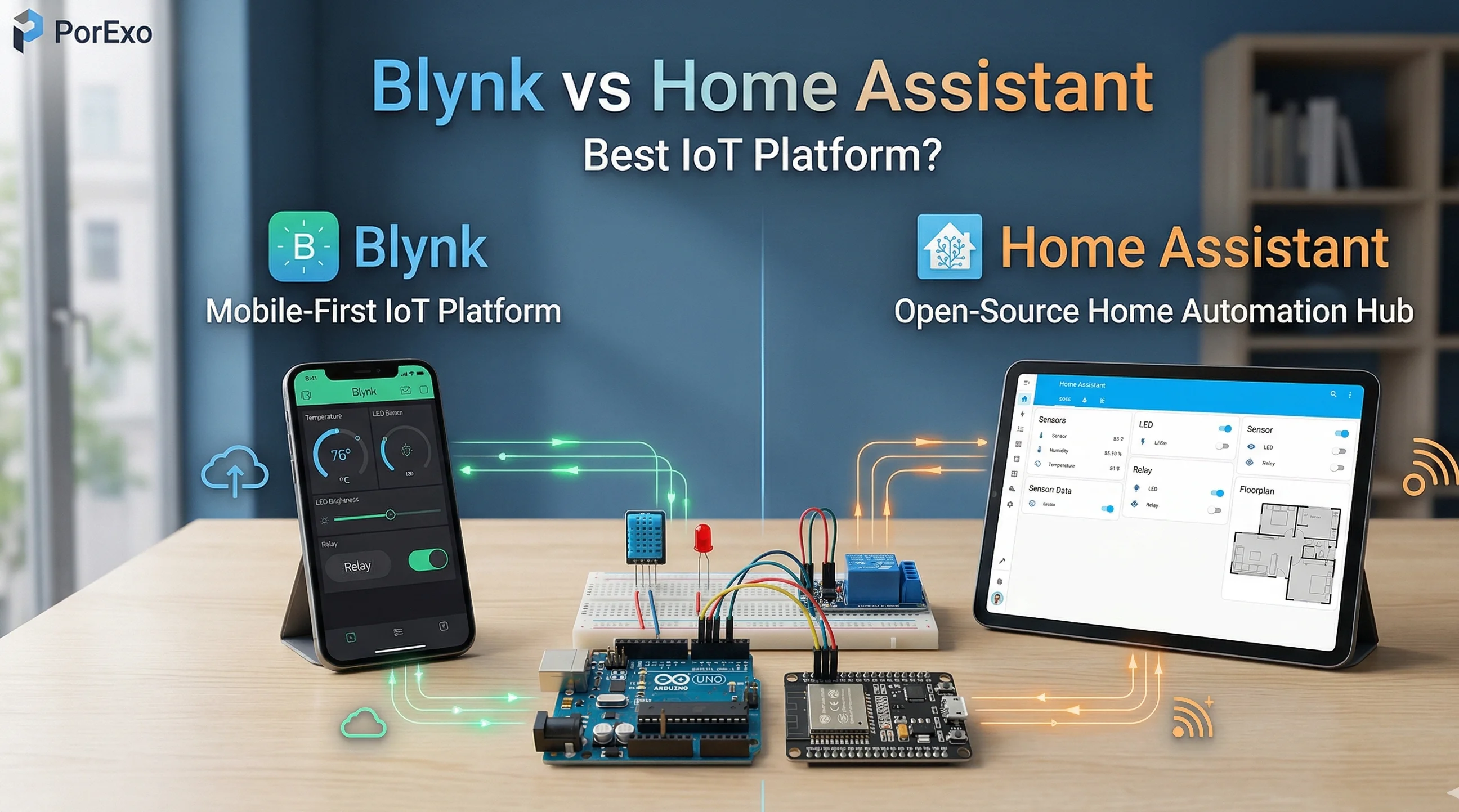
If you are building IoT projects using ESP32 or Arduino, choosing the right platform is very important. Two of the most popular platforms are Blynk and Home Assistant. Both are powerful, but they are made for different types of users.
In this guide, we will explain everything in simple English so you can easily choose the right platform.
Handy Tools For You
---
What is Blynk? (Best for Beginners)
Blynk is a simple and beginner-friendly IoT platform. It allows you to control devices using a mobile app without complex coding.
- Easy mobile app (drag & drop UI)
- Quick setup (ready in minutes)
- No backend setup needed
- Works with ESP32, Arduino, Raspberry Pi
🔌 Full Arduino / ESP32 Example (Blynk LED Control)
#define BLYNK_PRINT Serial
#include <WiFi.h>
#include <BlynkSimpleEsp32.h>

char auth[] = "YourAuthToken";
char ssid[] = "YourWiFiName";
char pass[] = "YourWiFiPassword";

int ledPin = 2;

void setup() {
  Serial.begin(9600);
  pinMode(ledPin, OUTPUT);
  Blynk.begin(auth, ssid, pass);
}

BLYNK_WRITE(V0) {
  int value = param.asInt();
  digitalWrite(ledPin, value);
}

void loop() {
  Blynk.run();
}
👉 In Blynk app, create a button widget on V0 to control LED.
---
What is Home Assistant? (Advanced Users)
Home Assistant is a powerful platform for full smart home automation. It gives you complete control over devices.
- Runs locally (works without internet)
- High privacy
- Supports thousands of devices
- Advanced automation features
🔌 ESP32 + MQTT Example (Home Assistant LED Control)
#include <WiFi.h>
#include <PubSubClient.h>

const char* ssid = "YourWiFi";
const char* password = "YourPassword";
const char* mqtt_server = "192.168.1.100";

WiFiClient espClient;
PubSubClient client(espClient);

int ledPin = 2;

void setup_wifi() {
  WiFi.begin(ssid, password);
  while (WiFi.status() != WL_CONNECTED) {
    delay(500);
  }
}

void callback(char* topic, byte* message, unsigned int length) {
  String msg;
  for (int i = 0; i < length; i++) {
    msg += (char)message[i];
  }

  if (String(topic) == "home/led") {
    if (msg == "ON") digitalWrite(ledPin, HIGH);
    else digitalWrite(ledPin, LOW);
  }
}

void reconnect() {
  while (!client.connected()) {
    if (client.connect("ESP32Client")) {
      client.subscribe("home/led");
    } else {
      delay(5000);
    }
  }
}

void setup() {
  pinMode(ledPin, OUTPUT);
  setup_wifi();
  client.setServer(mqtt_server, 1883);
  client.setCallback(callback);
}

void loop() {
  if (!client.connected()) reconnect();
  client.loop();
}
👉 Control LED using MQTT topic "home/led" from Home Assistant.
---
Blynk vs Home Assistant (Quick Comparison)
- Easy to use: Blynk ✔️
- Best for beginners: Blynk ✔️
- Advanced automation: Home Assistant ✔️
- Offline support: Home Assistant ✔️
- Mobile UI: Blynk ✔️
---
Which One Should You Choose?
Choose Blynk if:
- You are a beginner
- You want quick setup
- You prefer mobile control
Choose Home Assistant if:
- You want full smart home automation
- You need advanced control
- You are comfortable with technical setup
---
Important Things to Consider
- Skill level: Beginner → Blynk | Advanced → Home Assistant
- Internet: Blynk needs internet | Home Assistant can work offline
- Customization: Limited in Blynk | Unlimited in Home Assistant
---
FAQ (Frequently Asked Questions)
📚 Read Next




Can I use Blynk and Home Assistant together?
Yes, you can connect them using MQTT or custom integration. This gives you both simplicity and power.
Which platform is better for beginners?
Blynk is best for beginners because it is simple and quick to use.
Which is better for smart home automation?
Home Assistant is better because it supports more devices and advanced automation.
Does Blynk require coding?
Very little coding is needed. Most work is done using the mobile app.
Is Home Assistant difficult?
Yes, it requires some technical knowledge, but it is very powerful.
Is Blynk free?
Blynk has a free plan with limits and also paid plans.
Is Home Assistant free?
Yes, Home Assistant is open-source and free to use.
---
Final Conclusion
Blynk is perfect if you want something simple and quick.
Home Assistant is best if you want full control and advanced automation.
👉 If you are just starting → go with Blynk
👉 If you want professional smart home → go with Home Assistant




