Hey there! Job hunting can be stressful enough without having to fight with messy document formatting or hitting a surprise paywall right when you are about to download your CV. Your resume is your professional first impression, and it needs to look flawless.
That's exactly where the Porexo Free Resume Builder comes in. Our online CV maker is designed to help you generate a clean, modern, and professional PDF resume in just a few minutes. Whether you are applying for your first internship or a senior executive role, let's explore how you can craft a winning application without spending a dime.
Handy Tools For You
How to Create Your Resume Online for Free
Building your professional profile is incredibly straightforward. Just follow these steps to get your job application ready:
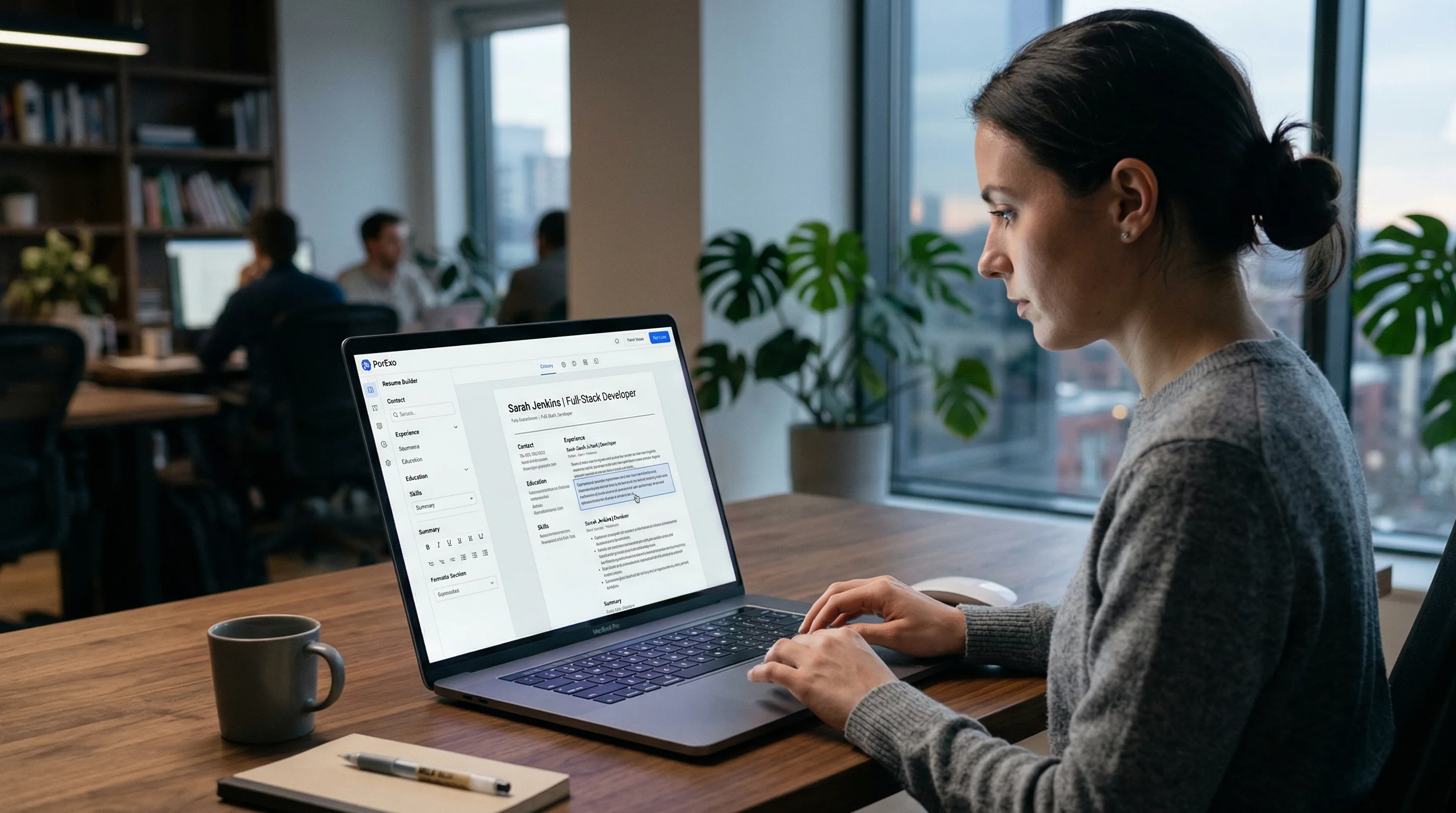
- Enter Your Details: Start in the "Content" tab. Fill out your Full Name, Job Title, Contact Info, and a strong professional summary.
- Add Experience & Education: Click the "+ Add" buttons to dynamically add your work history and degrees. Focus on your achievements, not just your responsibilities.
- List Your Skills: Type your core skills (like "JavaScript, Agile, Project Management") separated by commas. These are crucial for passing automated resume screeners.
- Choose Your Design: Switch over to the "Design" tab. We offer three distinct, recruiter-approved templates: Modern (great for tech/design), Classic (ideal for corporate/legal), and Creative (bold and stand-out).
- Customize & Download: Pick an accent color that fits your personal brand and a font family (Inter, Merriweather, or Oswald). Once the live preview looks perfect, hit Download PDF to get your watermark-free file instantly.
Pro Tip: Writing High-Impact Bullet Points
The design of your resume gets you noticed, but the content gets you the interview. Instead of just listing your daily tasks, use the "XYZ formula" (Accomplished [X] as measured by [Y], by doing [Z]). Here is an example of how to upgrade your experience section:
[ WEAK BULLET POINT ]

Responsible for managing a sales team and improving revenue.

[ STRONG, ATS-OPTIMIZED BULLET POINT ]

Spearheaded a cross-functional team of 12 (Z), driving a 35% increase (Y)
in Q3 regional revenue (X) through targeted digital marketing campaigns.

[ TECH/DEV EXAMPLE ]

Reduced page load times by 40% (Y) by refactoring legacy React code (Z),
resulting in a 15% boost to daily active user retention (X).
Need help compressing your newly generated PDF to bypass strict upload limits on job boards? Try our free Compress PDF tool.
Why Use the Porexo CV Maker?
- 100% Private & Secure: Unlike other cloud platforms that store and harvest your personal data, our tool runs entirely locally using JavaScript. Your contact details and work history never leave your browser.
- ATS-Friendly Output: Applicant Tracking Systems (ATS) scan resumes for keywords before a human ever reads them. Our templates are structured to export clean text, ensuring bots can easily parse your skills.
- No Hidden Paywalls: We hate "freemium" traps as much as you do. There are no premium templates, no hidden subscription fees, and absolutely no watermarks on your final PDF.
- Live Preview: See your resume update in real-time as you type, so there's no guessing how the final document will look.
Frequently Asked Questions
📚 Read Next



Do I need to create an account to use this builder?
No! Our tool is completely free and requires zero sign-ups. You can jump right in, build your resume, and download your PDF immediately without handing over your email address.
Is my personal data safe?
Absolutely. Because we prioritize your privacy, we do not use databases to store your information. All the processing happens directly on your device. Just remember: if you refresh or close the page before downloading, your progress will be lost since it's only saved in your current browser session.
Is the generated PDF compatible with standard paper sizes?
Yes. The digital canvas is strictly proportioned to standard A4 specifications (210mm x 297mm). It will look perfectly scaled whether it's viewed on a recruiter's monitor or printed out on paper.
What is the best font to use for a resume?
It depends on your industry! Inter is a clean, sans-serif font perfect for tech, marketing, and modern roles. Merriweather is a classic serif font that brings a traditional, highly professional feel to academic, legal, or finance resumes.