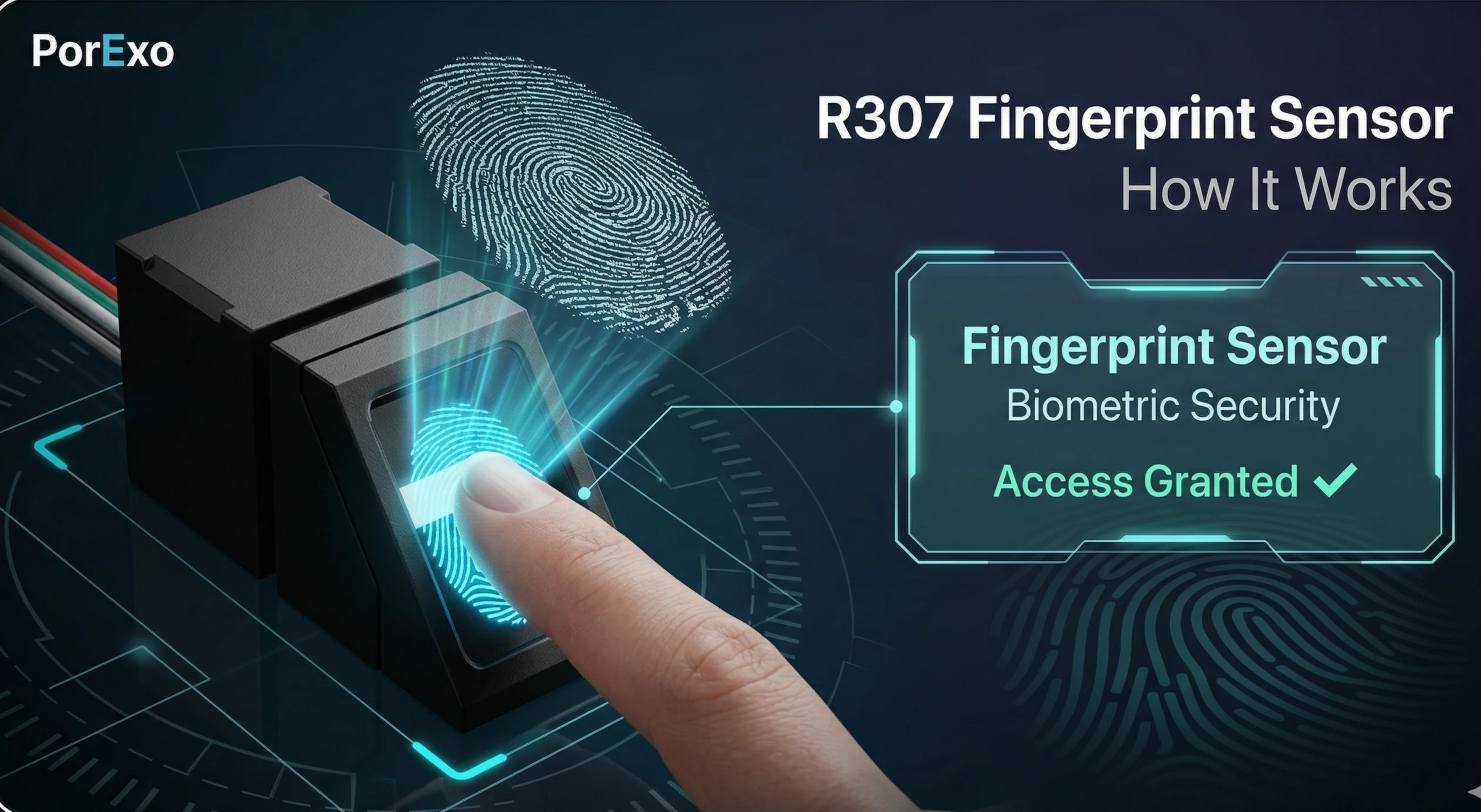
An R307 sensor is a specific type of fingerprint sensor module. Think of it like a tiny, specialized camera that doesn't take pictures of your face, but instead captures a detailed map of your fingerprint's ridges and valleys. It's commonly used in devices where security is important, like attendance systems, door locks, or secure data storage.
How Does It Work?
When you place your finger on the R307 sensor, it doesn't just take a simple photo. It uses either optical or capacitive technology to create a digital image of your fingerprint's unique pattern. This image is then converted into a template—a kind of mathematical code that represents your fingerprint. The next time you scan your finger, the device compares the new scan to the stored template to see if they match.
Handy Tools For You
It's a bit like how your phone's face unlock works, but for your fingertip.
Where You Might Find an R307 Sensor
These sensors are popular in do-it-yourself (DIY) electronics and commercial products because they are reliable and relatively easy to connect to microcontrollers like Arduino. Here are a few common uses:
- Office Time Clocks: To record when employees start and end their workday.
- Smart Door Locks: To unlock your home or office door with just a touch.
- Secure Safes or Cabinets: To restrict access to important items.
- DIY Projects: Hobbyists use them to add fingerprint security to their own creations.
Connecting and Using the Sensor (A Basic Example)
If you're working with an Arduino, connecting an R307 sensor involves just a few wires. Here’s a simple wiring setup and code to get you started. This example will enroll a new fingerprint.
// Include the necessary library for the fingerprint sensor
#include

// For a software serial connection (if your Arduino Uno doesn't have multiple hardware serial ports)
#include
SoftwareSerial mySerial(2, 3); // RX, TX

Adafruit_Fingerprint finger = Adafruit_Fingerprint(&mySerial);

void setup() {
  Serial.begin(9600);
  while (!Serial); // Wait for serial port to connect. Needed for native USB

  // Set the data rate for the sensor serial port
  finger.begin(57600);

  if (finger.verifyPassword()) {
    Serial.println("Found fingerprint sensor!");
  } else {
    Serial.println("Did not find fingerprint sensor :(");
    while (1) { delay(1); }
  }
}

void loop() {
  // This loop just waits for a serial command to enroll a finger.
  // In a real project, you'd have more logic here.
  Serial.println("Ready to enroll a fingerprint!");
  delay(1000);
}
This is just a basic connection check. For a full project, you'd use the library's functions to actually store and match fingerprints. You can find great tutorials and the complete Adafruit_Fingerprint library on the Adafruit learning website.
Things to Keep in Mind
- It's Not Foolproof: Like any biometric system, it can sometimes fail to recognize a valid finger (a "false reject") or mistakenly accept an invalid one (a "false accept"), though this is rare.
- Finger Condition Matters: Very dry, wet, or dirty fingers might not scan well.
- It Stores a Template, Not an Image: For security, good systems don't store the actual fingerprint picture. They store the derived template, which is much harder to reverse-engineer into a real fingerprint.
If you're looking to process or manage the data from sensors like this, you might find tools for handling other data formats useful. For instance, if your project logs data to a CSV file, you can use a CSV Editor to view and clean it up easily.
Frequently Asked Questions
📚 Read Next




Is the R307 sensor safe? Can my fingerprint be stolen?
The sensor itself is quite safe for most everyday uses. As mentioned, it typically stores a mathematical template, not the actual fingerprint image. This makes it difficult for someone to steal your actual print from the stored data. However, no system is 100% unhackable, so it's best used for medium-security applications.
Can I use the R307 sensor with a Raspberry Pi?
Yes, absolutely! While the example above uses Arduino, the R307 can also be connected to a Raspberry Pi using its serial pins (UART). You would use a Python library (like pyfingerprint) instead of the Arduino library to communicate with it.
How many fingerprints can the R307 store?
The storage capacity depends on the specific model and the library you use. A common capacity for these modules is up to 1000 fingerprint templates, which is more than enough for most personal or small business projects.
What's the difference between optical and capacitive fingerprint sensors?
An optical sensor works like a tiny camera, taking a picture of your finger. A capacitive sensor uses tiny electrical circuits to measure the ridges and valleys (it's the type used in most smartphones). Capacitive sensors are generally more secure and harder to trick with a photo, but optical sensors like the R307 are often more durable and cost-effective.




